Custom Domains
CodePup will soon allow you to connect your own custom domain for production-ready deployments.
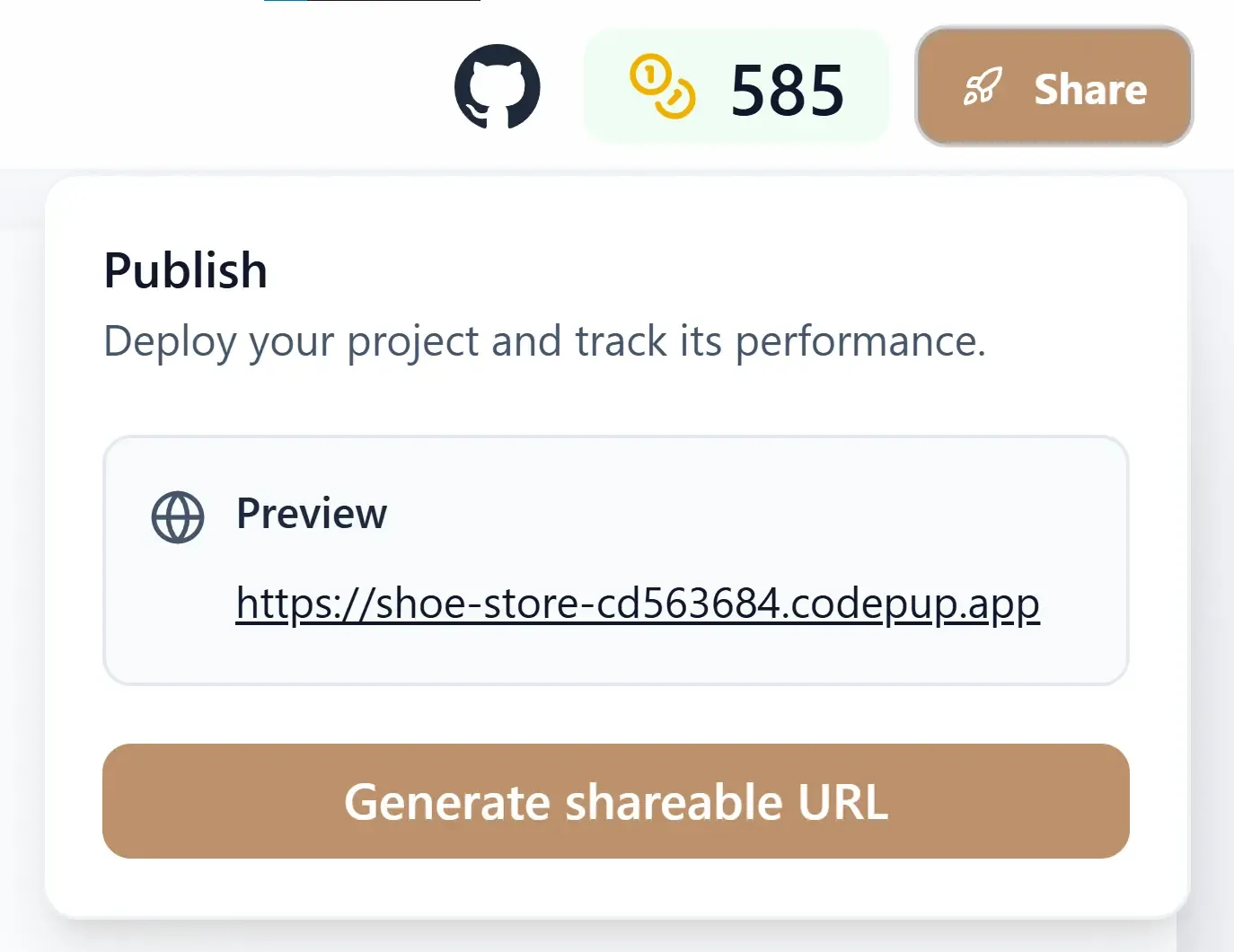
After generating or modifying your app, you can publish it directly from the CodePup interface.
Publishing makes your project accessible via a unique live URL that you can share instantly.
Publishing is available once your project build is successful and the preview is visible.
The generated link follows this format:
Each project has its own dedicated subdomain that always points to the latest deployment.
Whenever you modify and re-deploy your app:
This ensures stable links without version conflicts or duplicate URLs.
That’s it — your live site is now accessible publicly.
Custom Domains
CodePup will soon allow you to connect your own custom domain for production-ready deployments.
Deployment Insights
Track performance and view build history directly within your project dashboard.
CodePup simplifies the entire publishing workflow — from generation to deployment —
so you can move from idea to live website within minutes.